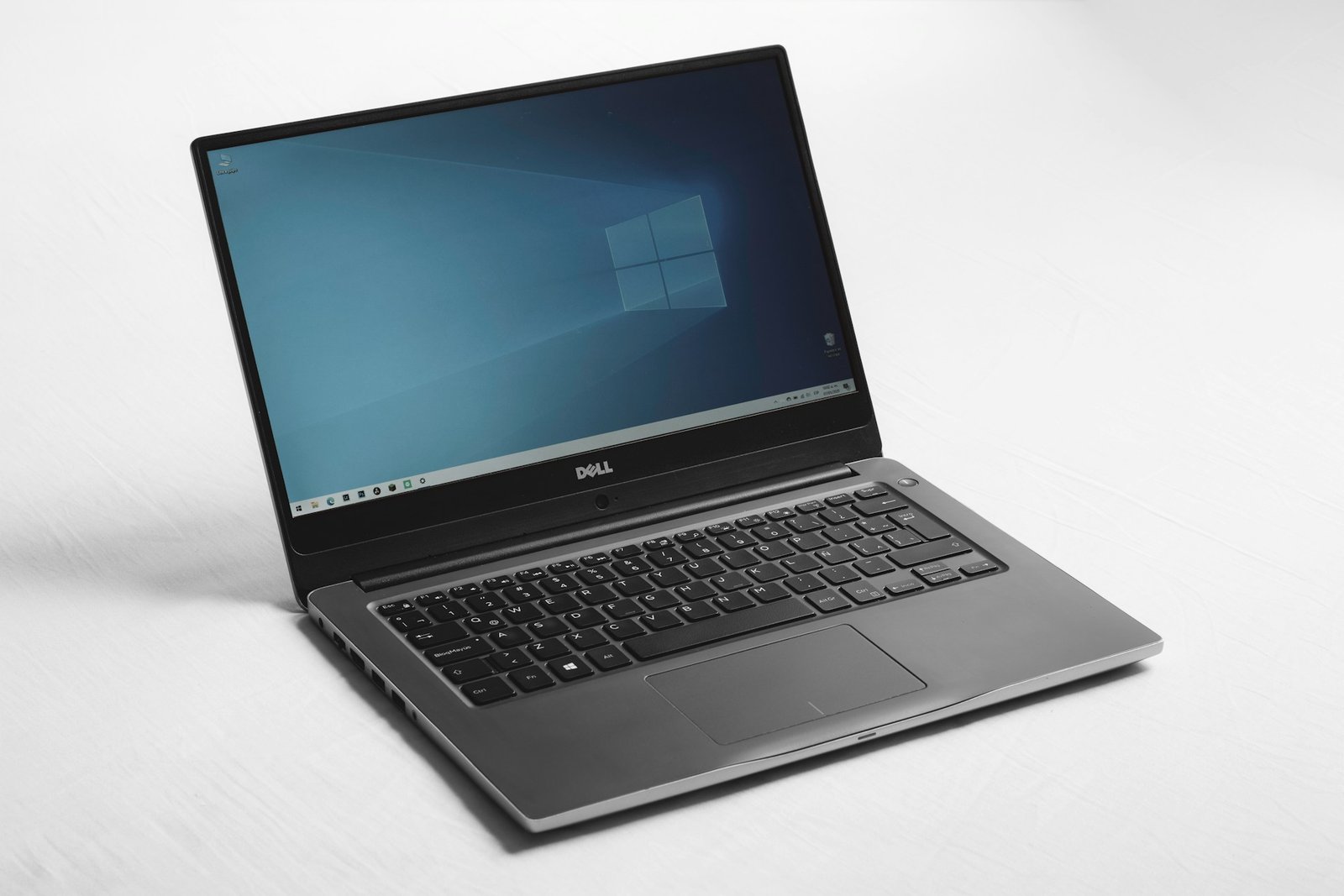
If you still run Windows 10 on a laptop, an office PC or the machine you build client sites on, today matters. October 13, 2026 was the date most people had circled as the final day of the Windows 10 ESU program, the paid and free safety net Microsoft created after Windows 10 support ended in 2025.
But the story changed quietly this summer. Home users got an extra year. Businesses did not. In this guide we explain what Windows 10 ESU is, what really ends today, who is still protected, and the simple steps to take this week.
What is Windows 10 ESU?
ESU stands for Extended Security Updates. Microsoft ended normal support for Windows 10 on October 14, 2025. After that date, Windows 10 stopped getting new features, bug fixes and technical help.
ESU is a bridge. It keeps sending critical and important security patches to Windows 10 PCs that are enrolled, so people have more time to move to Windows 11. It does not add new features, and it does not fix non security bugs. Think of it as a lock repair service for an old house: the doors stay safe, but nothing gets remodeled.
To get ESU, a PC must be running Windows 10 version 22H2, the last release of Windows 10, with the latest updates installed.
What actually ends on October 13, 2026?

Here is the short version: year one of Windows 10 ESU ends today. What that means depends on who you are.
| Who you are | What happens after October 13, 2026 |
|---|---|
| Home user already enrolled in consumer ESU | Nothing changes. Coverage continues automatically until October 12, 2027. |
| Home user not enrolled yet | You can still enroll and get updates until October 12, 2027. |
| Business or school with year one ESU | You need a year two license to keep getting patches from October 14, 2026. |
| Business with no ESU at all | Your PCs are already unpatched. Joining now means paying for year one and year two. |
The big surprise is the consumer extension. Microsoft originally said consumer ESU would stop on October 13, 2026. In late June 2026, without a big announcement, Microsoft updated its ESU page and blog to say the consumer program now runs until October 12, 2027. If you were already enrolled, you do not need to do anything.
Who still gets free Windows 10 updates until 2027?
Personal PCs running Windows 10 Home, Pro, Pro Education or Workstations can join consumer ESU in one of three ways:
- Free: turn on Windows Backup so your PC settings sync to your Microsoft account.
- Microsoft Rewards: redeem 1,000 Rewards points.
- Paid: make a one time payment of $30 (or the local equivalent, plus tax).
One consumer license covers up to 10 devices on the same Microsoft account. You need to sign in with a Microsoft account that has admin rights. Local accounts will be asked to switch, and child accounts are not eligible.
To enroll, open Settings, then Update and Security, then Windows Update, and look for the option to enroll in Extended Security Updates. If you do not see it, install all pending updates first and restart.
Consumer ESU is not for PCs managed by a company, devices with enterprise licenses, or kiosk machines. Those follow the business rules below.
What businesses need to know about Windows 10 ESU year two

For organizations, the deadline is real. Commercial ESU is sold one year at a time, for up to three years after end of support. According to Microsoft, year one cost $61 per device, and the price doubles each year. ESU is also cumulative, so a company that skipped year one has to pay for it before it can buy year two.
Key commercial dates:
- October 14, 2026 to October 12, 2027: year two of commercial ESU.
- October 13, 2027 to October 10, 2028: year three, the final year Microsoft has announced.
- October 10, 2028: security updates for Microsoft 365 Apps on Windows 10 end.
There is one helpful exception. Windows 10 running in Windows 365 Cloud PCs, Azure Virtual Desktop or Azure virtual machines gets ESU at no extra cost.
If you run a small agency or a freelance studio with a few office PCs, check how they are set up. A PC joined to a company domain or managed with tools like Intune is treated as a business device, even if it is the only computer you own.
How many people still use Windows 10?
More than you might think. StatCounter data for September 2026 shows Windows 10 on 27.82% of Windows PCs worldwide, with Windows 11 at 71.44%. That is roughly one in four Windows computers still on the older system, almost a year after support ended.
For website owners, this matters in two ways. First, many of your visitors and clients still browse from Windows 10. Second, an unpatched work PC is an easy way in for malware that steals saved passwords, including your WordPress admin login and hosting details.
Your options: what to do this week
Whatever your situation, the plan comes down to four steps.
1. Check your version. Press the Windows key, type “winver” and press Enter. If it says Windows 10, version 22H2, you can use ESU. Older versions must update first.
2. Check if your PC can run Windows 11. Open the PC Health Check app or go to Settings and Windows Update. Many PCs made after 2018 qualify. If yours does, upgrading to Windows 11 is free and is the best long term fix.
3. Enroll in ESU if you are not ready. Home users should enroll today using Windows Backup, Rewards points or the $30 option. Businesses should talk to their Microsoft partner about year two licenses now, before PCs miss a monthly patch.
4. Make a replacement plan. ESU buys time, not forever. Budget for new hardware before October 2027 for home users, or before the end of year two or three for businesses.
Tips for web designers and agencies on Windows 10
If you build WordPress and Elementor sites on a Windows 10 machine, a few extra habits will keep you and your clients safer while you plan the move:
- Keep your browser updated. Most attacks start in the browser. Turn on automatic updates and restart it often.
- Use a password manager and passkeys. Do not store client logins in plain text files or browser notes.
- Turn on two factor login for WordPress admin, your hosting panel and your domain registrar.
- Back up your work. Keep local projects, exported templates and design files in cloud storage or on an external drive.
- Test client sites on Windows 11 too. Fonts, scaling and browser defaults can look slightly different, so check key pages on both systems.
Moving to a new PC is also a good moment to tidy up your toolkit. If you rebuild your workflow, a lightweight set of Elementor widgets that you trust can save hours on every new project, and our setup docs show how to get started on a fresh machine in minutes.
Conclusion
The Windows 10 ESU story is now split in two. Home users can relax a little: consumer coverage quietly moved to October 12, 2027, and enrollment can still be free. Businesses face the real deadline today, with year two licenses needed from October 14, 2026 and prices that double each year.
Either way, ESU is a bridge, not a destination. Check your PC, enroll if you need more time, and plan your move to Windows 11 before the bridge runs out.
FAQ
Does Windows 10 stop working after October 13, 2026? No. Windows 10 PCs keep turning on and running apps. The risk is security: PCs without ESU stop getting patches, so new threats are not fixed.
Is Windows 10 ESU still free for home users? Yes. You can enroll for free by syncing your PC settings with Windows Backup, or use 1,000 Microsoft Rewards points. The paid option is a one time $30 fee, and one license covers up to 10 PCs.
When does consumer Windows 10 ESU end now? Microsoft extended the consumer program to October 12, 2027. If you were already enrolled, your coverage continues automatically.
Can a business use the free consumer ESU? No. PCs managed by an organization, domain joined devices and enterprise licensed PCs need commercial ESU, which is paid per device and doubles in price each year.
Build your next site faster
New PC, fresh start. Bright Addons gives you 20 free Elementor widgets on our website and WordPress.org, plus 60+ widgets in Pro from just $19 a year. See the plans and pricing when you are ready.