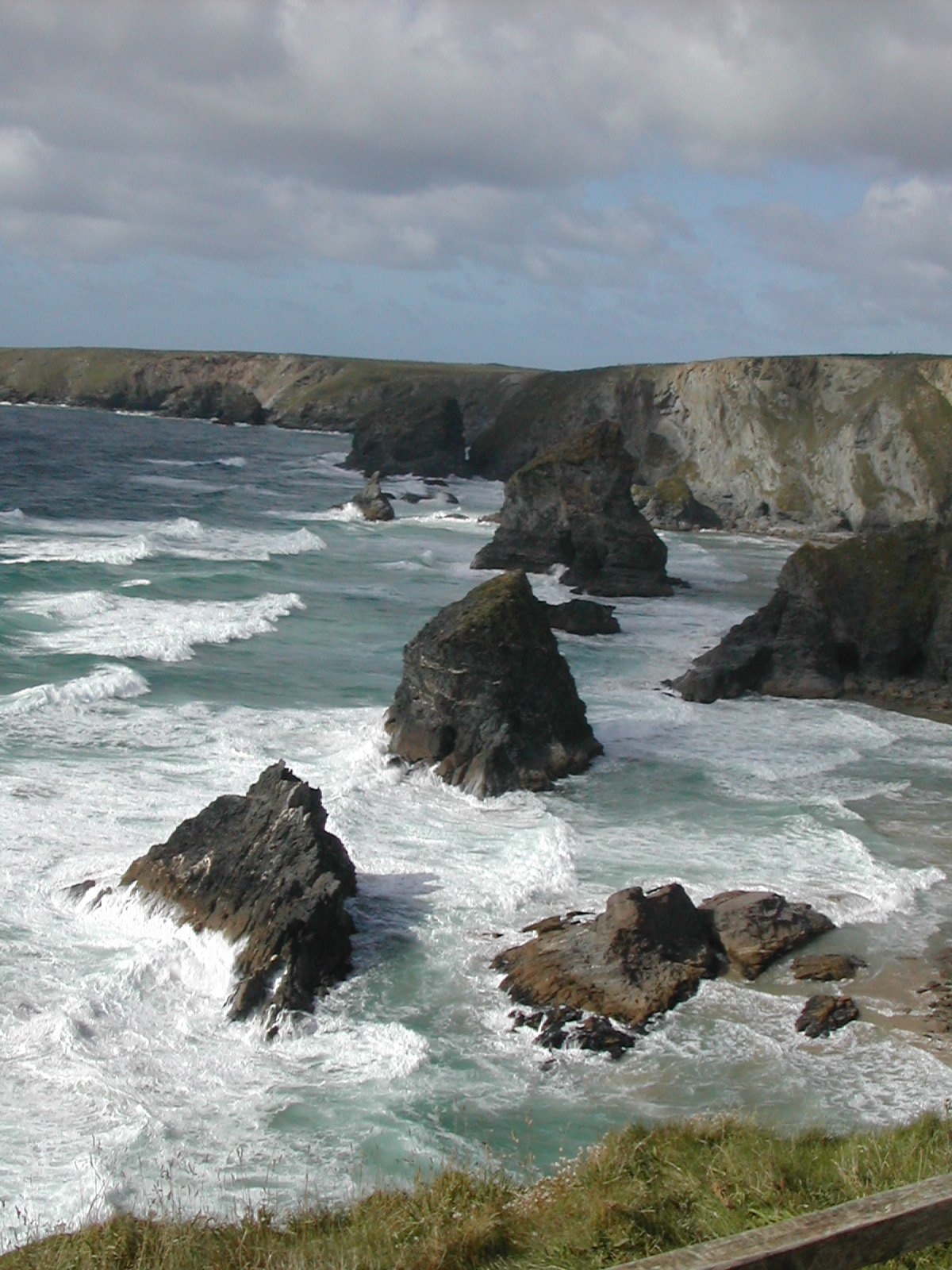
A Pinterest-style image gallery with captions, lightbox and load more.
Masonry Gallery packs images of different heights into tidy columns. Pick many images from the Media Library at once, or build custom items with their own title, text and link. Use it for portfolios, photo collections and any page where images should keep their own shape.
Show portrait and landscape shots together without cropping them to one shape.
Use custom items so every image carries a title, a short description and a link to the project page.
Show the first images and let visitors load the rest with a button or by scrolling.
Apply a ratio pattern so images of the same shape still build a varied masonry.
A few steps from adding the widget to a finished result.
Yes. Set Source to Custom Items and fill in Custom Link for the item. An item with a custom link uses it instead of the Click Action.
Type width/height pairs separated by commas, for example 3/4, 1/1, 4/3. The pairs repeat in order across the images. A colon also works, such as 3:4.
No. All images are in the page and load lazily. The button or infinite scroll only reveals more of them.
From the fields saved with each image. Choose them with Caption Title From and Caption Text From.
Bright Addons Pro has 80 Pro widgets plus all 53 free widgets, 10 extensions, a Theme Builder and 32 dynamic tags. From $18 a year, with a 14-day money-back guarantee.