
BLACK FRIDAY: 50% OFF all Pro plans
Pro from $18 a year or $60 lifetime, no code needed
Ends Cyber Monday, 30 Nov. Lock in the price today
Get 50% Off
Pro widget

Woo Product Details Widget for Elementor Pro

A full WooCommerce product page in one widget.

Overview

What Woo Product Details does

Woo Product Details shows the parts of a WooCommerce product page: gallery, title, rating, price, short description, add to cart, SKU and categories, and the description and reviews tabs. Pick the parts you want or use the standard WooCommerce summary, and style every part.

Demo

Live demo

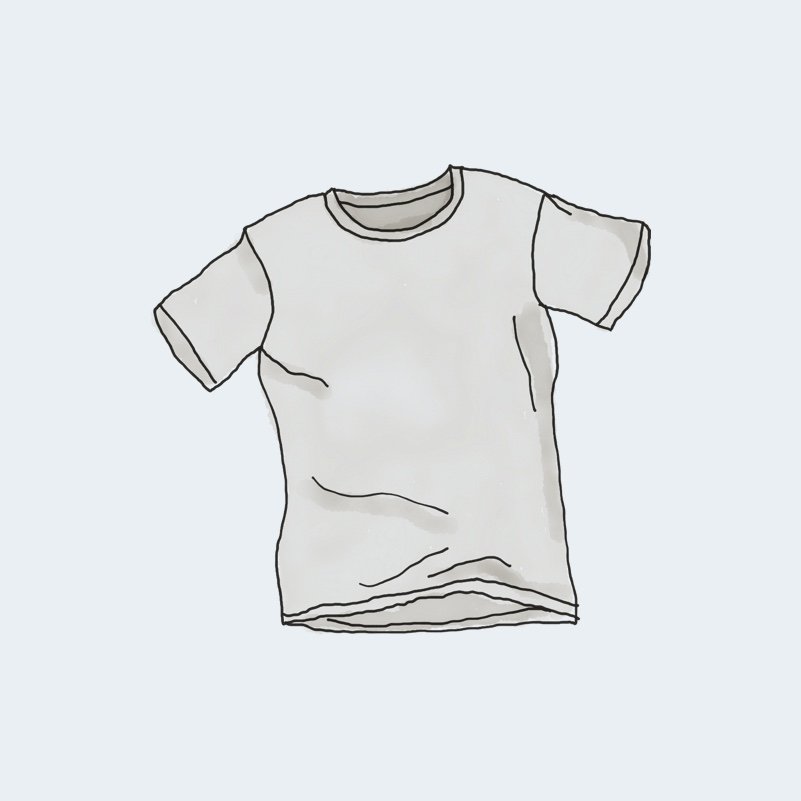
T-Shirt

$18.00

This is a simple product.

SKU: woo-tshirt Category:

Description

Pellentesque habitant morbi tristique senectus et netus et malesuada fames ac turpis egestas. Vestibulum tortor quam, feugiat vitae, ultricies eget, tempor sit amet, ante. Donec eu libero sit amet quam egestas semper. Aenean ultricies mi vitae est. Mauris placerat eleifend leo.

Additional information

Weight 0.8 lbs
Dimensions 8 × 6 × 1 in
Color

Gray

Reviews

There are no reviews yet.

Be the first to review “T-Shirt”

Your email address will not be published. Required fields are marked *

Features

What it can do

  • The product being viewed, or a product you choose.

  • Pick the parts, or the standard WooCommerce summary with what other plugins add there.

  • WooCommerce gallery with zoom and thumbnails, and a sale badge.

  • Add to cart for simple and variable products, with quantity.

  • Description and reviews tabs.

  • Gallery that stays in view while scrolling.

  • Gallery and summary side by side, stacked on phones or tablets.

  • Styles for title, price, sale price, rating, meta, button, quantity and tabs.

Use cases

When to use it

Single product template

Build one product page design for the whole shop.

Landing pages

Feature one chosen product with its add to cart on a campaign page.

Long descriptions

Keep the gallery in view while visitors read.

Setup

How to set it up

What you need: WooCommerce, active, with products.

  1. Pick a Single product page template in Bright Addons Pro > Widgets > Templates and Integrations.

  2. Edit the template and drag in Woo Product Details.

  3. Keep Product on The Product Being Viewed.

  4. Choose Summary Content and switch parts on or off.

  5. In Layout, set Gallery Width and when to stack.

  6. Style the summary box, price, button and tabs.

FAQ

Questions and answers

Does it work with variable products?

Yes. Variable products show their options before the add to cart button.

Do I need Elementor Pro?

No. It works with free Elementor and the Bright Addons Pro page templates.

Can I show the reviews?

Yes. Keep Description and Reviews Tabs switched on.

Bright Addons Pro

Get Woo Product Details with Bright Addons Pro

Bright Addons Pro has 77 Pro widgets plus all 48 free widgets, 10 extensions, a Theme Builder and 32 dynamic tags. From $18 a year, with a 14-day money-back guarantee.