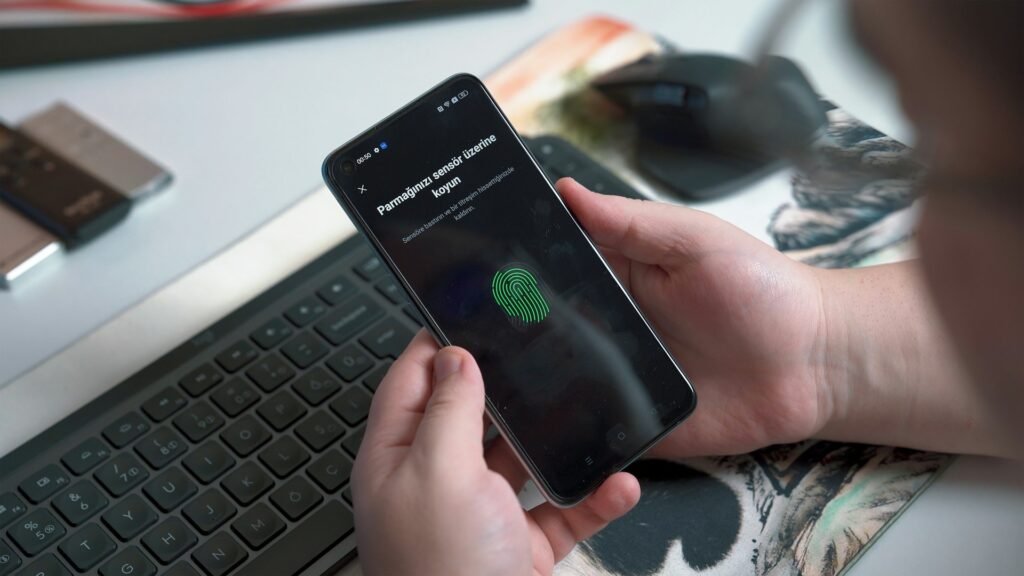
You have probably seen the prompt by now. You log in to an account and a small box asks: “Create a passkey?” Most people click “Not now” because nobody explained what it means.
So, what is a passkey? In short, it is a way to sign in with your fingerprint, your face or your device PIN instead of a typed password. There is nothing to remember and nothing for a scammer to steal from you.
This is one of the biggest quiet changes in tech right now. This guide explains it in plain English, then shows what it means if you run a WordPress or Elementor site.
The problem with passwords
Passwords were never a great idea. They only work if every person picks a long, unique one for every account and never types it into a fake page. Almost nobody does that.
The result is predictable. In the FIDO Alliance’s 2026 survey of 11,000 consumers, 33% said they had an account compromised or received a breach notice in the past year. And 47% said they are likely to abandon a purchase when they cannot remember a password.
That second number matters to anyone who sells online. A forgotten password is not only a security problem. It is a lost sale.

What is a passkey, in plain English?
A passkey is a digital key that lives on your phone, laptop or password manager. When you sign in, your device proves it holds the key. You unlock it the same way you unlock your phone: fingerprint, face or PIN.
Three things make it different from a password:
- You never type it. There is no secret word to remember, reuse or write on a sticky note.
- The website never stores it. The site only keeps a public half that is useless on its own.
- It only works on the real site. A passkey made for your bank will not respond to a look-alike phishing page.
Your fingerprint or face never leaves your device either. It only unlocks the key locally. The website never sees it.
How a passkey works
You do not need the math, but the idea is simple. When you create a passkey, your device makes a matched pair of keys.
- The private key stays on your device, protected by your fingerprint, face or PIN.
- The public key goes to the website. It can check a signature but cannot create one.
- At login, the site sends a random challenge. Your device signs it with the private key.
- The site checks the signature with the public key. If it matches, you are in.
If hackers break into the website, they only find public keys. Those cannot be used to log in anywhere. That is the big win over a leaked password database.
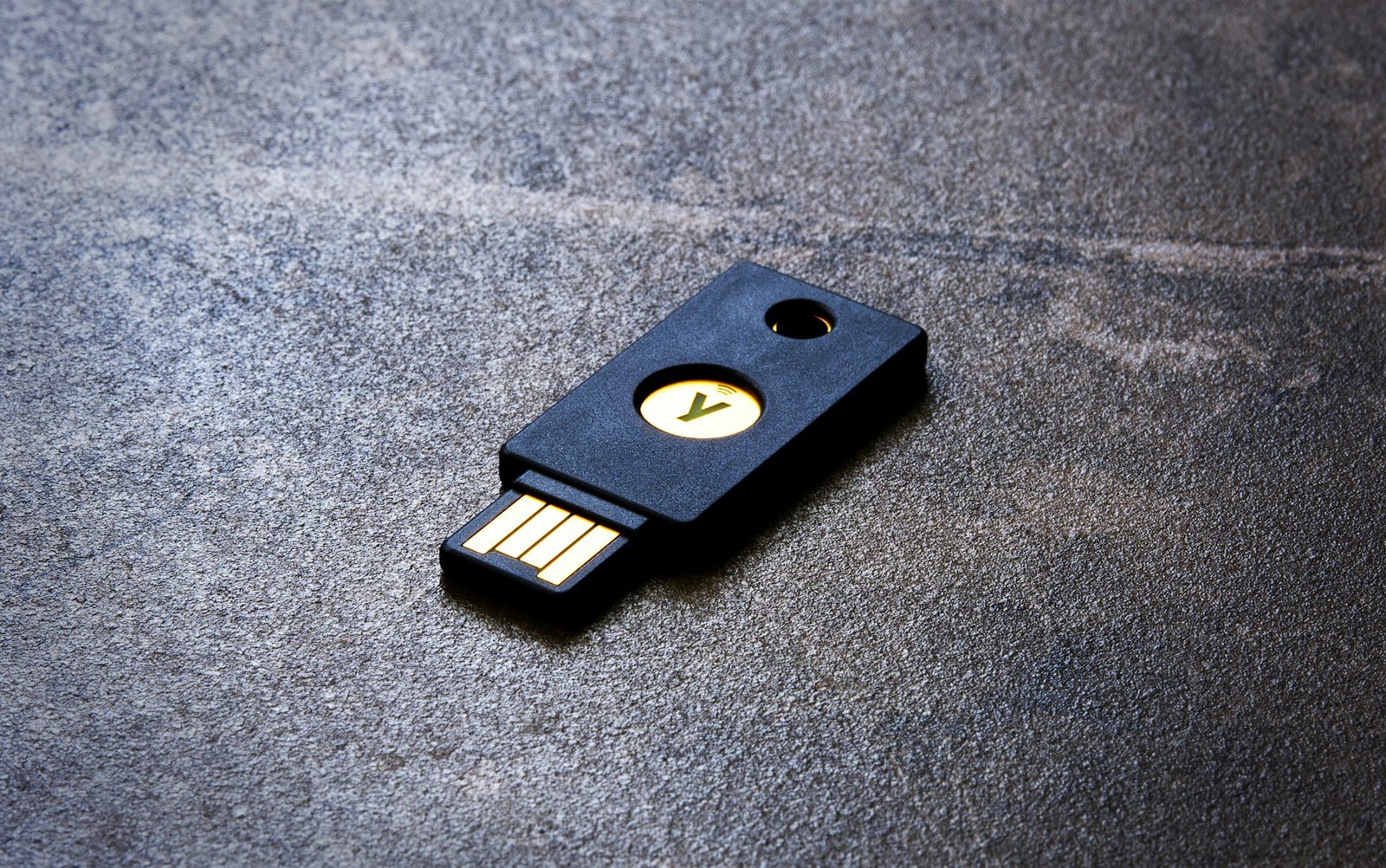
Passkeys usually sync through your Apple, Google or Microsoft account, or through a password manager. So a new phone does not mean starting over. You can also keep one on a small USB hardware security key as a backup.
Passkeys vs passwords at a glance
| Password | Passkey | |
|---|---|---|
| What you do | Type a secret from memory | Use fingerprint, face or PIN |
| Can be phished | Yes | No, it is tied to the real site |
| Stored on the website | Yes, as a hash that can leak | Only a harmless public key |
| Reused across sites | Very often | Never, each site gets its own |
| Forgotten | All the time | Nothing to forget |
| Main risk | Theft, guessing, reuse | Losing every device with no backup |
Why passkeys are suddenly everywhere in 2026
Passkeys are not brand new. What changed is that the big platforms stopped treating them as optional.
Microsoft made all new personal accounts passwordless by default in May 2025. New users are asked to set up a passkey and never create a password at all. Google and Apple both push passkeys as the preferred sign-in on their devices.
The numbers followed. On World Passkey Day in May 2026, the FIDO Alliance reported:
- About 5 billion passkeys in use worldwide
- 90% of surveyed consumers are aware of passkeys
- 75% have enabled a passkey on at least one account
- 68% of organizations have deployed or are deploying passkeys
Companies that rolled them out reported faster logins, fewer password reset tickets and fewer phishing incidents.
Passwords are not dead yet. The same report found 57% of organizations still rely on them as the main sign-in. But the direction is clear, and your customers already use passkeys elsewhere.
Passkeys and your WordPress site
Here is the part most site owners ask about. Does WordPress support passkeys?
Not out of the box. As of October 2026, passkey login is not built into WordPress core. A request to add it was filed on the WordPress bug tracker this year and closed as a duplicate of an older ticket, with no firm plan yet.
You can still use passkeys today through plugins. The simplest route for your own admin login looks like this:
- Install the free Two Factor plugin from WordPress.org, maintained by WordPress contributors.
- Add a WebAuthn provider plugin on top. This adds passkeys, Touch ID, Face ID, Windows Hello and hardware keys. It needs PHP 8.1 or higher.
- Open your user profile and register a passkey on your phone or laptop.
- Register a second one on another device, and save the backup codes somewhere safe.
- Test the login in a private browser window before you log out.
A few practical notes:
- Your site must use HTTPS. Passkeys do not work on plain HTTP.
- Start with admins and editors. These accounts are the ones attackers want.
- Keep a fallback. Do not remove password login until every admin has two registered devices.
- Test on staging first if you run a store or a membership site with a custom login page.
For customer logins on a shop, there are dedicated passkey plugins that add a “Sign in with passkey” button to the login form. Read recent reviews and check the last update date before you install one.
Should you switch now?
For your personal accounts, yes. Turn on passkeys for email, banking and your domain registrar first. Those are the accounts that can unlock everything else.
For your WordPress admin, it is a strong upgrade and takes about ten minutes. You keep your password as a fallback, so there is little risk.
For customer logins, it depends on your audience. If you run a simple brochure site, there is nothing to do. If you run a store, offering passkeys as an option can cut forgotten password friction at checkout.
One honest caveat: recovery is the weak spot. If someone loses every device and has no backup, getting back in still falls to email or support. Plan that step before you roll passkeys out to users.
A secure site still needs a good front door
Passkeys change how people sign in, not what they see. Your login, register and account pages still need to look trustworthy and load fast.
That is where a tidy widget set helps. Bright Addons gives you 20 free Elementor widgets to build clean pages without stacking heavy plugins. The Pro version adds 60+ widgets from $19 per year. You can browse the full list on the widgets page or compare plans on pricing.
Frequently asked questions
What is a passkey in simple terms?
A passkey is a digital key stored on your device that replaces your password. You sign in with your fingerprint, face or device PIN, and there is nothing to type or remember.
Are passkeys safer than passwords?
Yes. A passkey cannot be guessed, reused across sites or typed into a fake page. The website only stores a public key, so a data breach does not expose anything that can log in to your account.
What happens if I lose my phone?
Most passkeys sync through your Apple, Google or Microsoft account or a password manager, so they appear on your new device after you sign in. It is still wise to register a second device or a hardware key as a backup.
Does WordPress support passkeys?
Not in core as of October 2026. You can add passkey login with plugins, such as the free Two Factor plugin combined with a WebAuthn provider. Your site needs HTTPS and PHP 8.1 or higher for that setup.
The bottom line
So, what is a passkey? It is a simpler, safer replacement for the password, and in 2026 it has moved from experiment to everyday habit for billions of accounts.
You do not need to rebuild anything. Turn passkeys on for your own key accounts this week, add them to your WordPress admin login next, and keep an eye on core. The password is not gone, but its best days are behind it.