
Shoppers pick their currency, with your own exchange rates.
Shoppers choose their currency and see prices, cart, shipping and orders in it. You set the exchange rates, symbol position and decimals.
Real screenshots from a WooCommerce store with the module switched on. Click an image to see it larger.
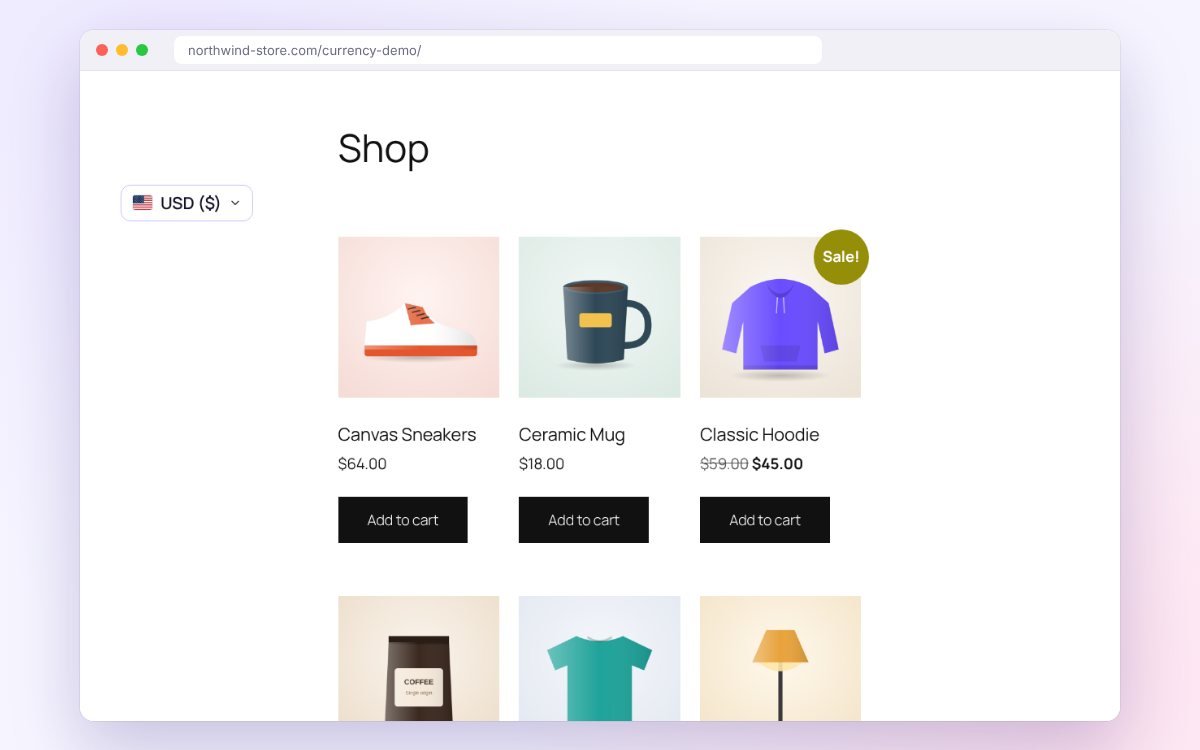 The currency dropdown above the products.
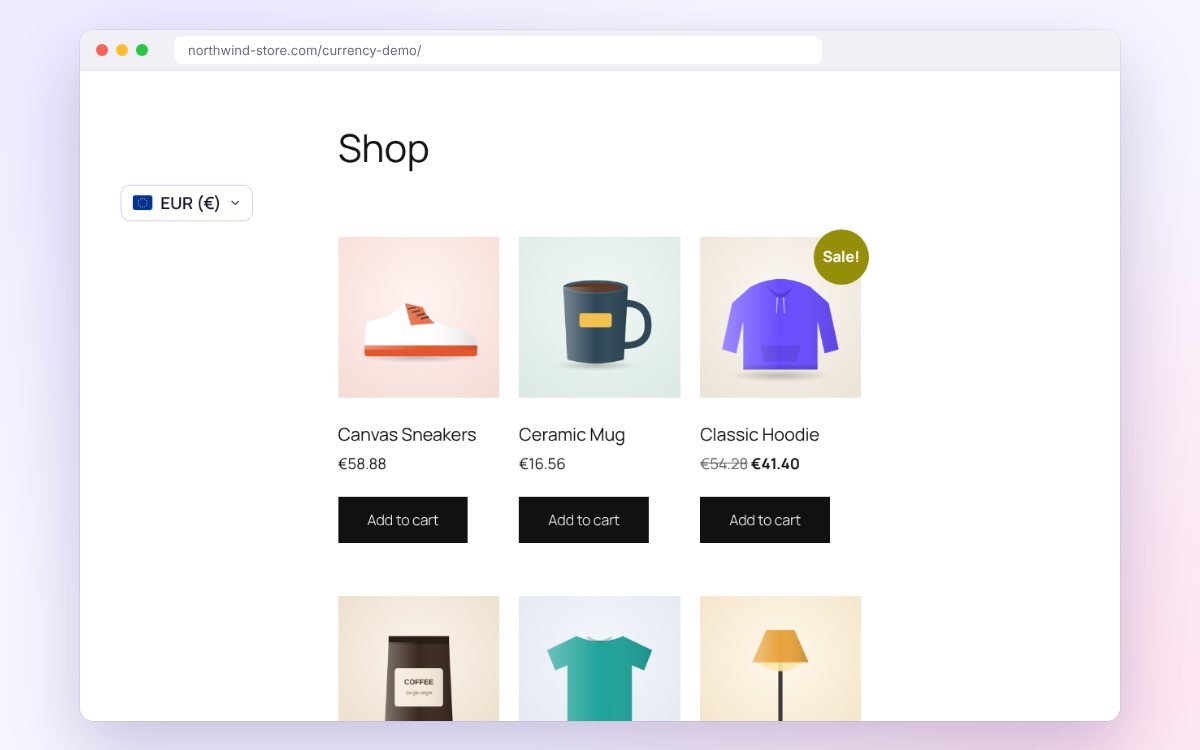 Prices in euros after switching.
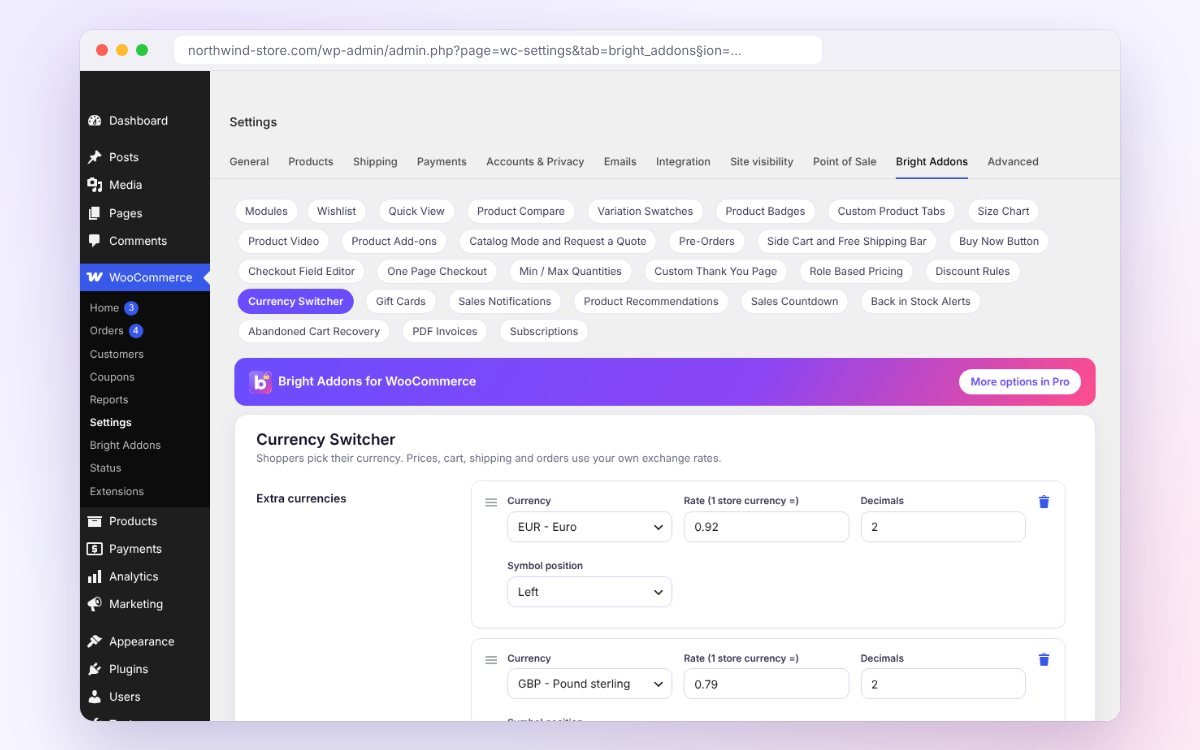 Currency Switcher settings in WooCommerce > Settings > Bright Addons.
The Pro version keeps everything above and adds:
Every plan includes every Pro option in all 28 modules. Choose how many websites, and pay yearly or once for lifetime access.
For your own store or one client store.
Black Friday price, no code needed. 14-day money-back guarantee.
For freelancers building a few stores a year.
Black Friday price, no code needed. 14-day money-back guarantee.
For agencies and busy freelancers.
Black Friday price, no code needed. 14-day money-back guarantee.
For any number of stores, yours or your clients.
Start with the free plugin: all 28 modules are free. Pro is the same plugin with more options in every module, so your settings stay when you upgrade, and every paid plan has a 14-day money-back guarantee.
Read the guidesPrices in euro or pounds for visitors from Europe.
Shoppers pay in a currency they know.
Shipping and coupons in the same currency.
A few steps from switching it on to a finished result.
No. You set the rates. Nothing is loaded from other sites.
Pick from country is a Pro option.
Yes. The order is placed in the chosen currency and the rate is saved on it.
Every module is in the free plugin on WordPress.org. Pro adds more options to each module, under one license.
Yearly and lifetime plans. Use this code at checkout:
14-day money-back guarantee. Ends Monday 30 November at 23:59.